Fleet Telematics System & Integrations in One TMS
App-based truck telematics without additional devices
IMPARGO’s telematics solution with the Fleet Management module and DriverApp gives dispatchers real-time GPS tracking and direct driver communication. You can also connect existing telematics hardware for centralised, cross-system fleet visibility — reliable, scalable and without extra setup.
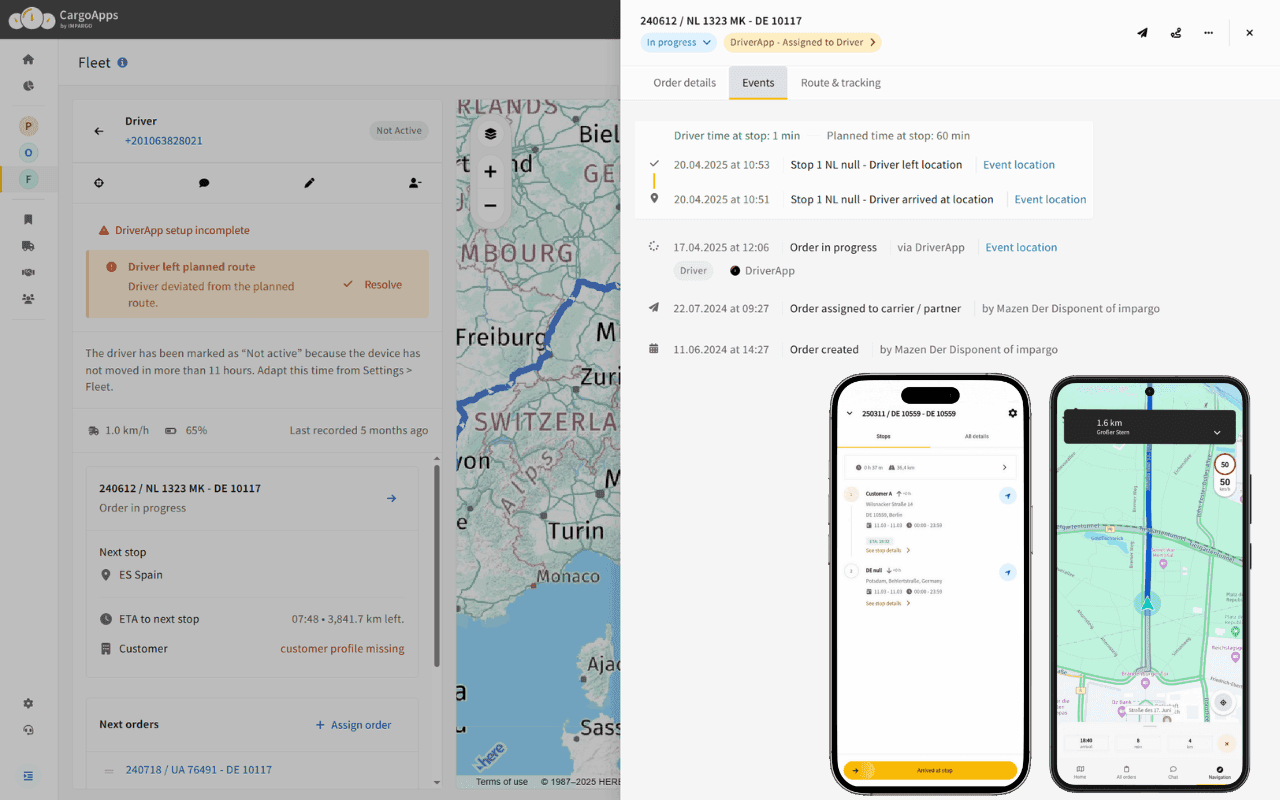
All fleet telematics in one TMS platform
IMPARGO’s truck fleet telematics system gives dispatchers a central, real-time map of all HGVs. Whether you use the built-in DriverApp solution or other existing telematics system like Webfleet, Samsara and Trimble, all GPS data will be connected in one platform. This enables precise tracking, cross-system fleet monitoring, and a clear overview of the entire fleet.
- Live GPS tracking of every truck in one map
- Location data via DriverApp or telematics devices
- Reliable overview for mixed fleets
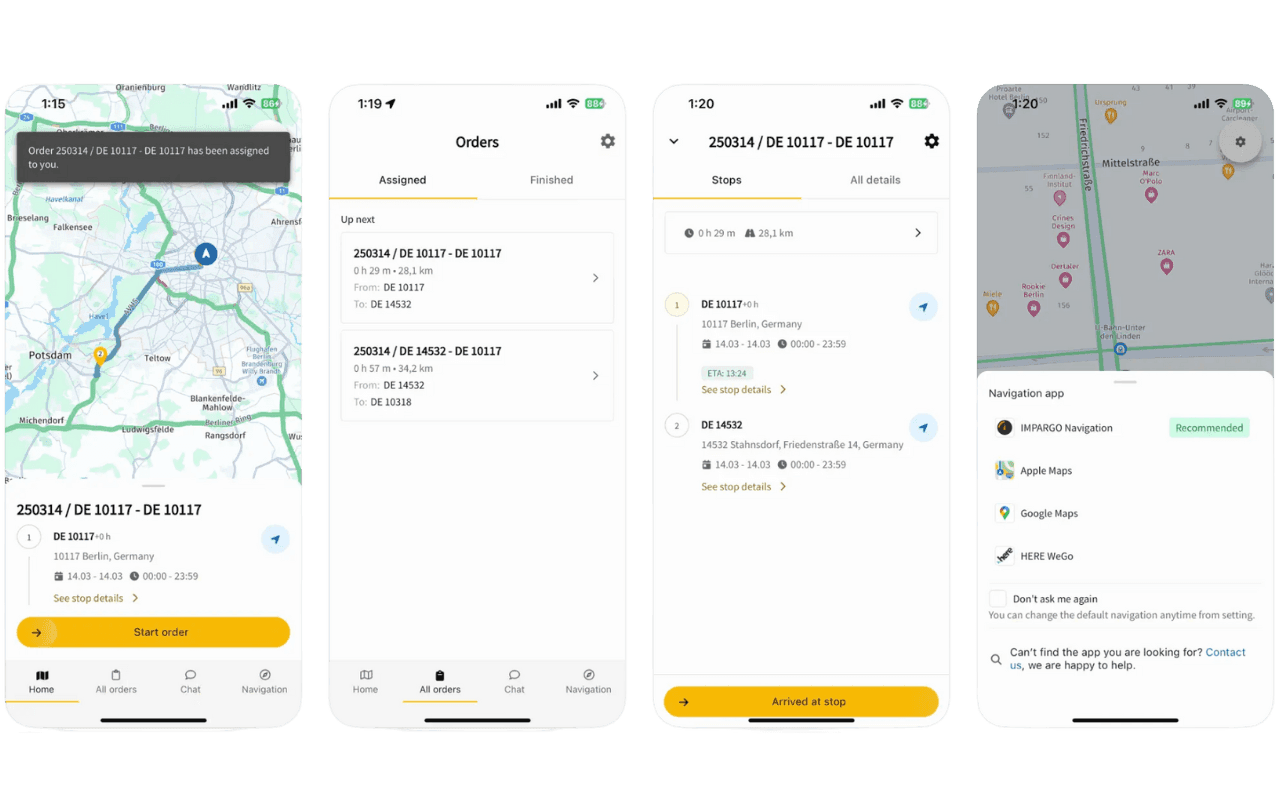
Truck telematics beyond GPS tracking
IMPARGO TMS supports truck telematics with advanced features of the DriverApp. Hardware provides reliable GPS location data, while the app adds job execution, communication, and documentation tools. The result: maximum transparency, faster operations, and complete control for road freight logistics.
- Digital order assignment and processing
- Real-time driver status and updates
- Automatic ETA calculation from GPS data
- Upload PODs and documents via phone
- Integrated chat for dispatcher–driver communication
- Link DriverApp and telematics device per driver and see both at a glance
Linking a telematics device and the DriverApp, step by step
If your trucks already carry a telematics device and your drivers use the DriverApp, you do not have to choose between the two. Once the integration is set up, both appear in the Fleet Module, either as separate cards or linked into one driver card. A linked driver takes the GPS position from the device you choose, usually the telematics device, and keeps the DriverApp features such as orders, chat and PODs. Telematics integrations need a subscription with your provider and at least the IMPARGO Business plan.
- Open the Fleet Module with the “F” icon in the left sidebar.
- Open the driver’s DriverApp card and click the pencil icon (Edit driver/device).
- Under CONNECT WITH INTEGRATION, choose the telematics device in the Integration dropdown.
- Tick “Use GPS data from this device” under the device that should supply the position.
- Click Save. Orders from both devices move to the linked driver automatically.
When another driver takes over a truck, select its device in that driver’s Edit driver/device and save: the device moves across without being disconnected first. To separate the two again, remove the device with the × in the Integration field and save; only then can the driver be removed from the Fleet Module. Where the integration sends status back, stop updates such as Arrived or Finished come straight from the provider’s system.

© IMPARGO 2026, All rights reserved.