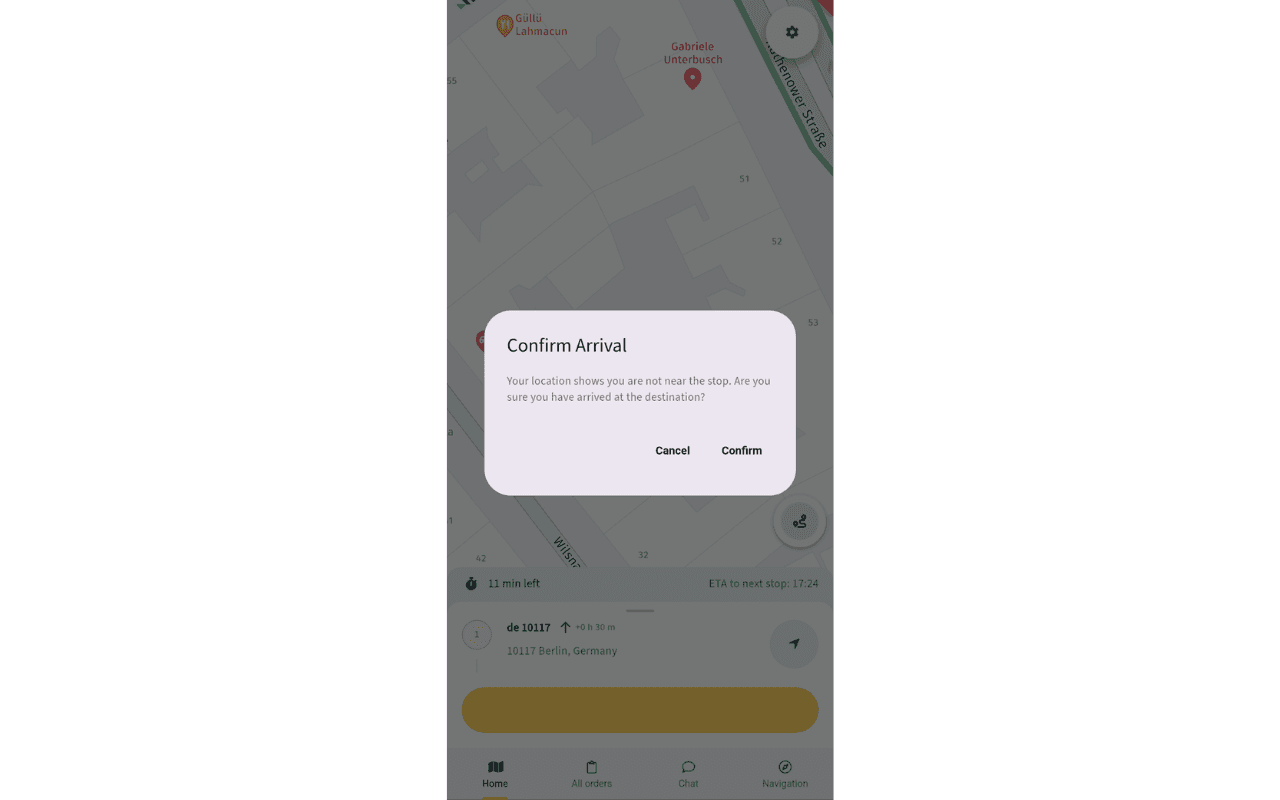
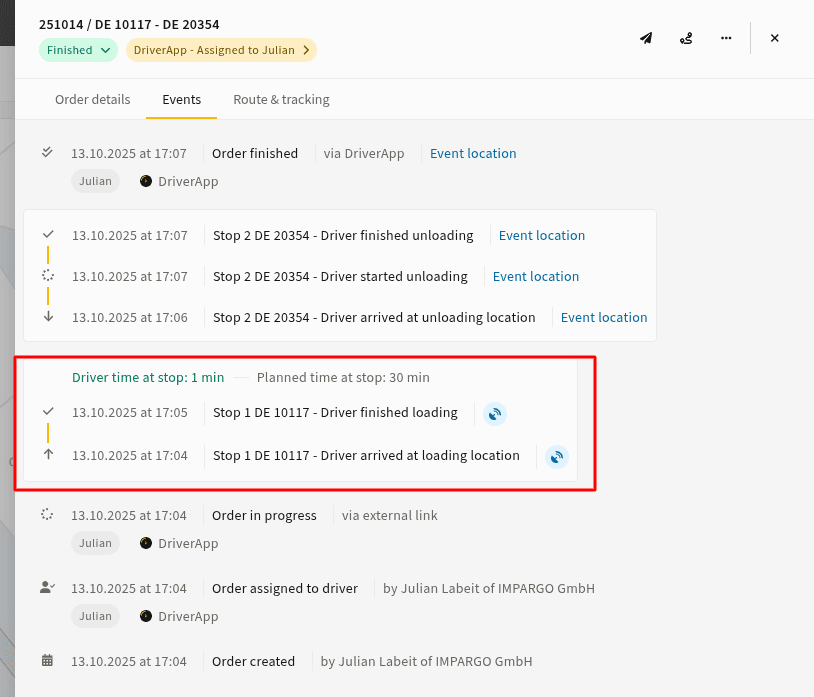
We need drivers to upload documents before finishing a stop. How do we ensure this?
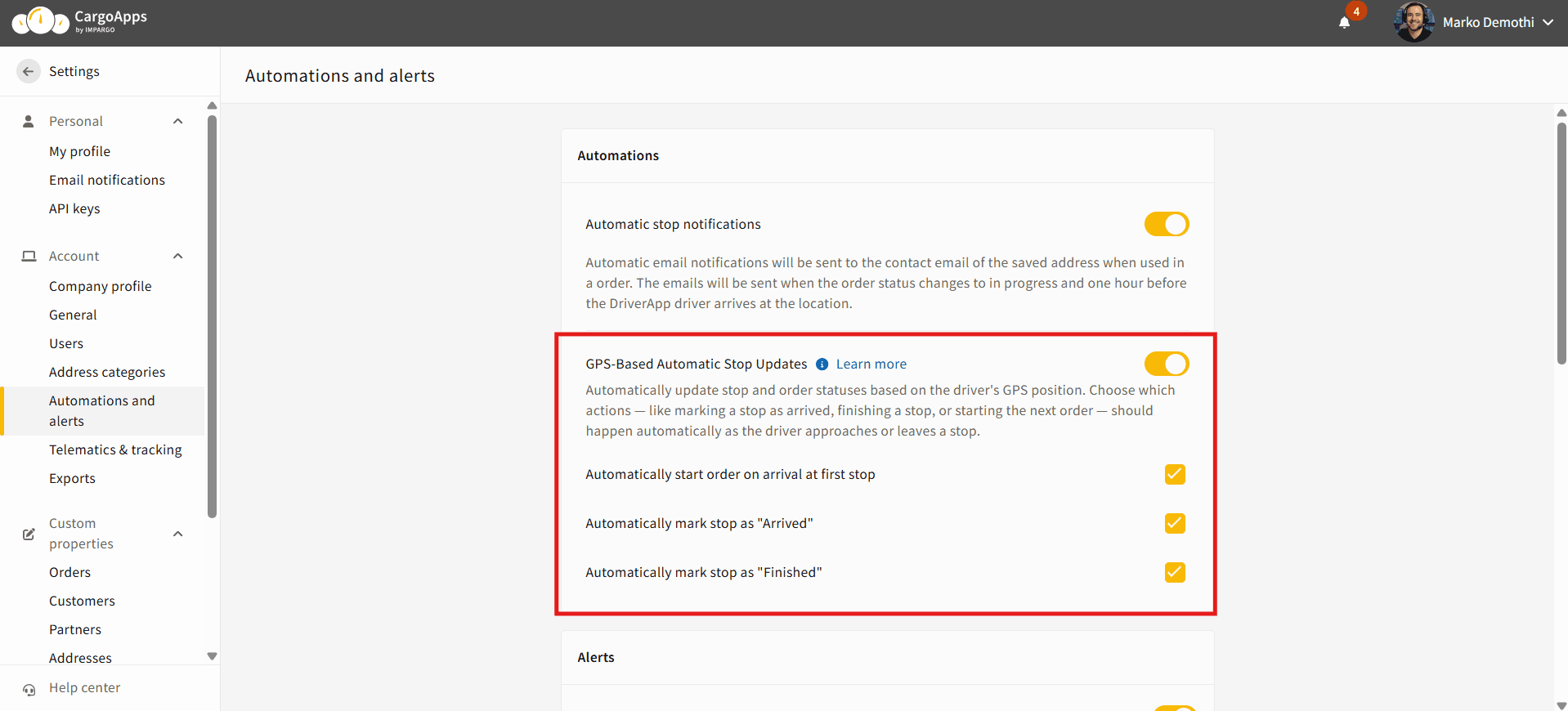
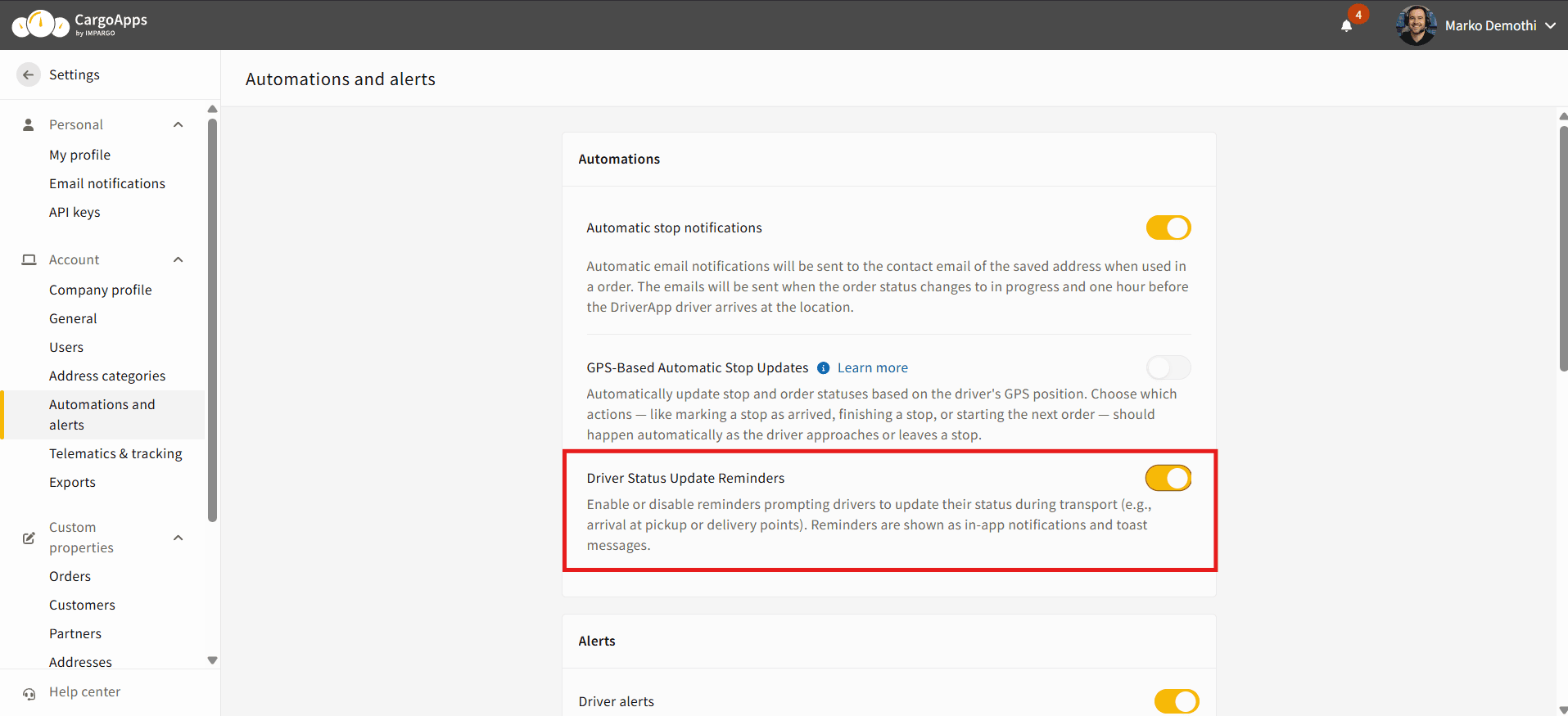
Only enable “Automatically mark stop as Arrived” in CargoApps → Automations & Alerts.
Do not enable “Automatically mark stop as Finished”.
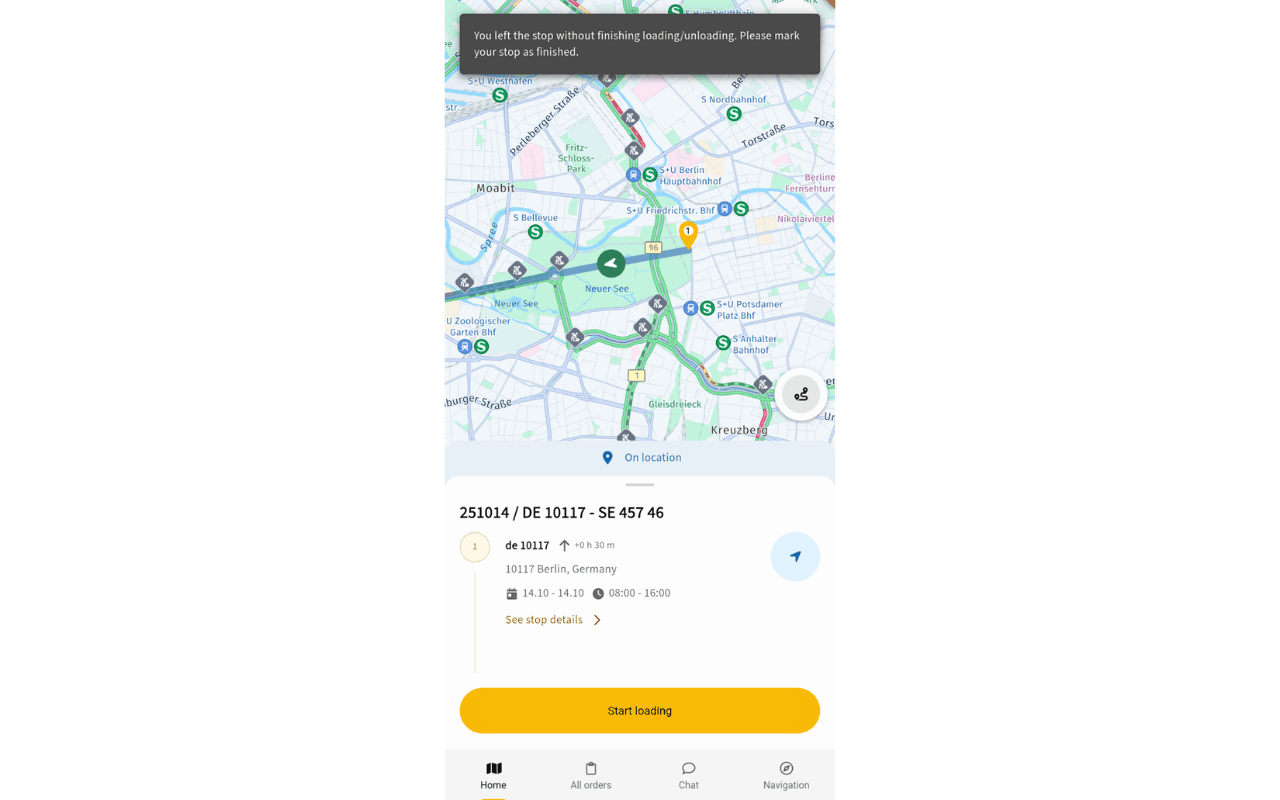
→ This way the driver must manually finish the stop and upload documents before continuing.
What happens if a driver has multiple orders/stops assigned?
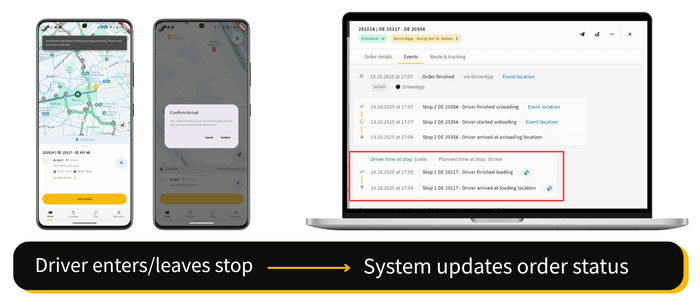
Only the next stop in the currently active order is considered for automatic status updates.
The dispatcher controls the order sequence. Stops further down the route will not update automatically until the previous one is completed.
The 500 m geofence doesn't work well for my stops (e.g., large yards, unclear entrances, city density). What can I do?
The geofence radius is currently fixed at 500 metres. If arrival/departure is triggered too early or too late, please reach out to IMPARGO Support so we can check the location with you.
Do I need to enable “Start order automatically at first stop”?
Optional, but recommended if you want the first Arrived status to be automated.
If it is not enabled, the driver must manually start the order before geofencing updates take effect.